


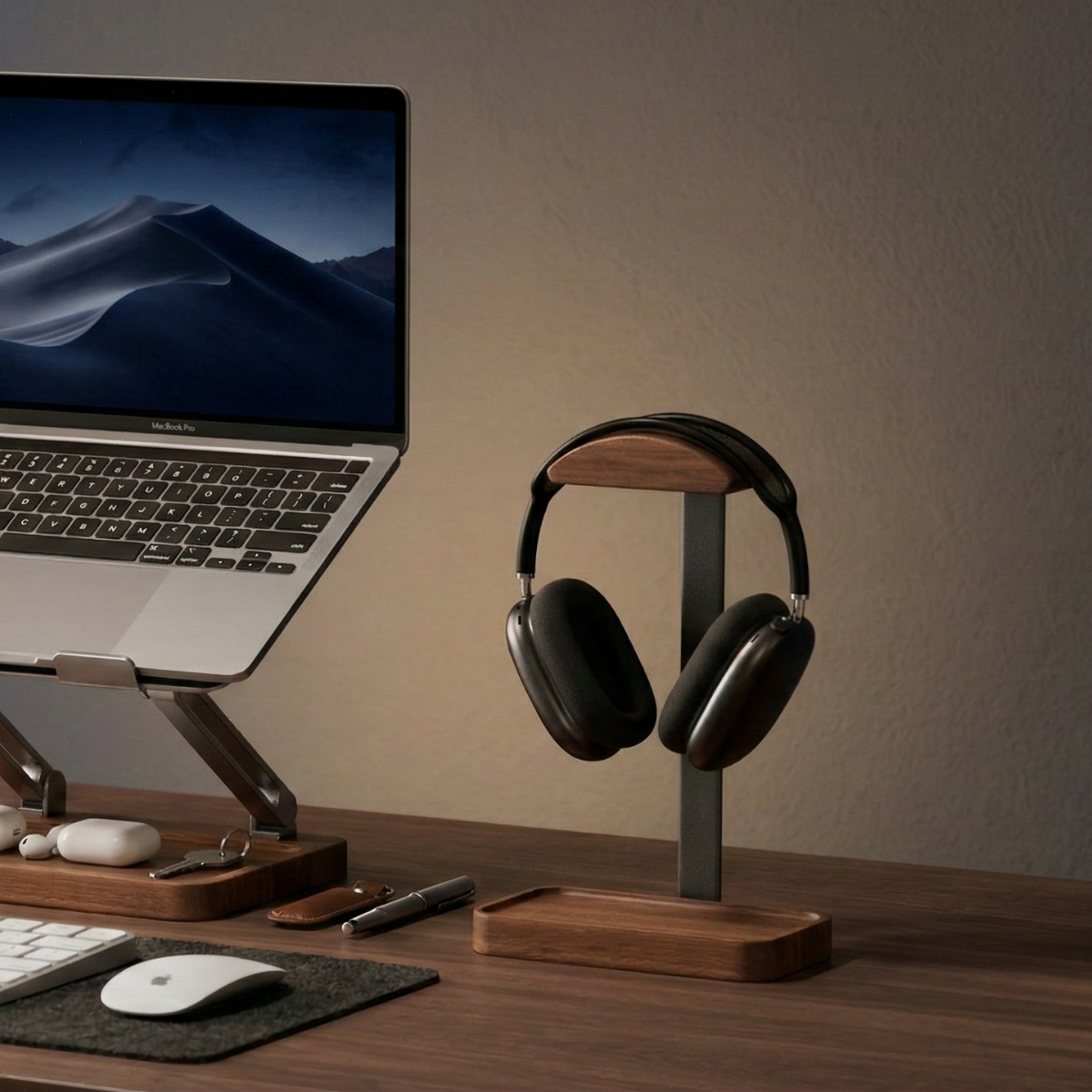
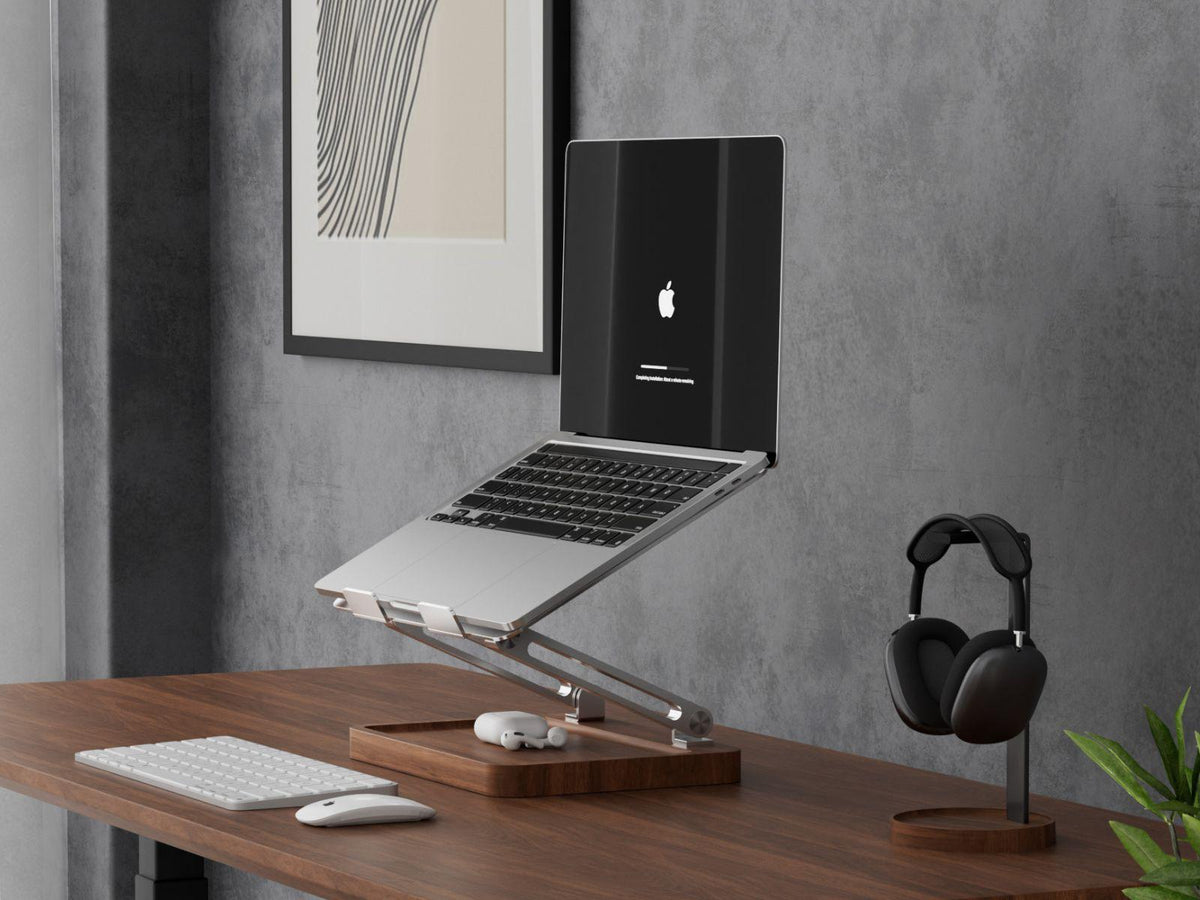
A vertical laptop stand and a laptop riser solve different desk problems. A vertical stand holds a closed laptop upright, leaving the laptop’s own screen and keyboard out of use. A riser supports an open laptop and changes the position of its screen.
Start with one question: do you use your laptop’s screen while working at your desk? If the answer is yes, look at a riser. If you work entirely on an external display, a vertical stand may suit your routine.
Compare the two types
| What matters | Vertical laptop stand | Laptop riser |
|---|---|---|
| Laptop position | Closed and upright | Open and elevated |
| Built-in screen | Unavailable while closed | Available during use |
| Main fit checks | Closed thickness, case, and supported placement | Device dimensions, supported weight, and contact points |
| Main adjustment | Slot width on adjustable models | Height or angle on adjustable models |
| Typical use | External-display work or storage between sessions | Working on the laptop screen or using it beside another display |
Neither type creates extra display connections. Check the laptop, cables, and any electronic dock separately.
Choose a vertical stand when the laptop screen stays closed
A vertical stand makes sense when your external monitor is the screen you use throughout the day. Instead of leaving the closed laptop flat next to your keyboard, you can give it an upright position toward the side of the desk.
It can also be useful when you regularly bring the laptop home and want a consistent place to put it between sessions. Leave enough room to lift the device out without catching a shelf, lamp, or cable.
The Musowood Walnut Vertical Laptop Stand uses walnut and aluminum with felt-lined sides. Its slot adjusts from 14 to 30.5 mm, approximately 0.55 to 1.2 inches. This is the slot-opening range, not a minimum laptop thickness: slimmer laptops can sit with clearance.
If you plan to use a Mac with its lid closed, check the requirements for your particular model. Apple’s guidance calls for a power connection and an external keyboard and mouse, and the number of supported displays varies by Mac. See Apple’s external-display guidance.

Choose a riser when the laptop screen is part of your setup
A riser is the more useful option if you read documents on your laptop, use its camera for calls, or keep it open as an additional screen.
An adjustable model lets you change the screen’s position as you arrange your desk. That flexibility is helpful when you switch between looking mainly at the laptop and looking mainly at an external display.
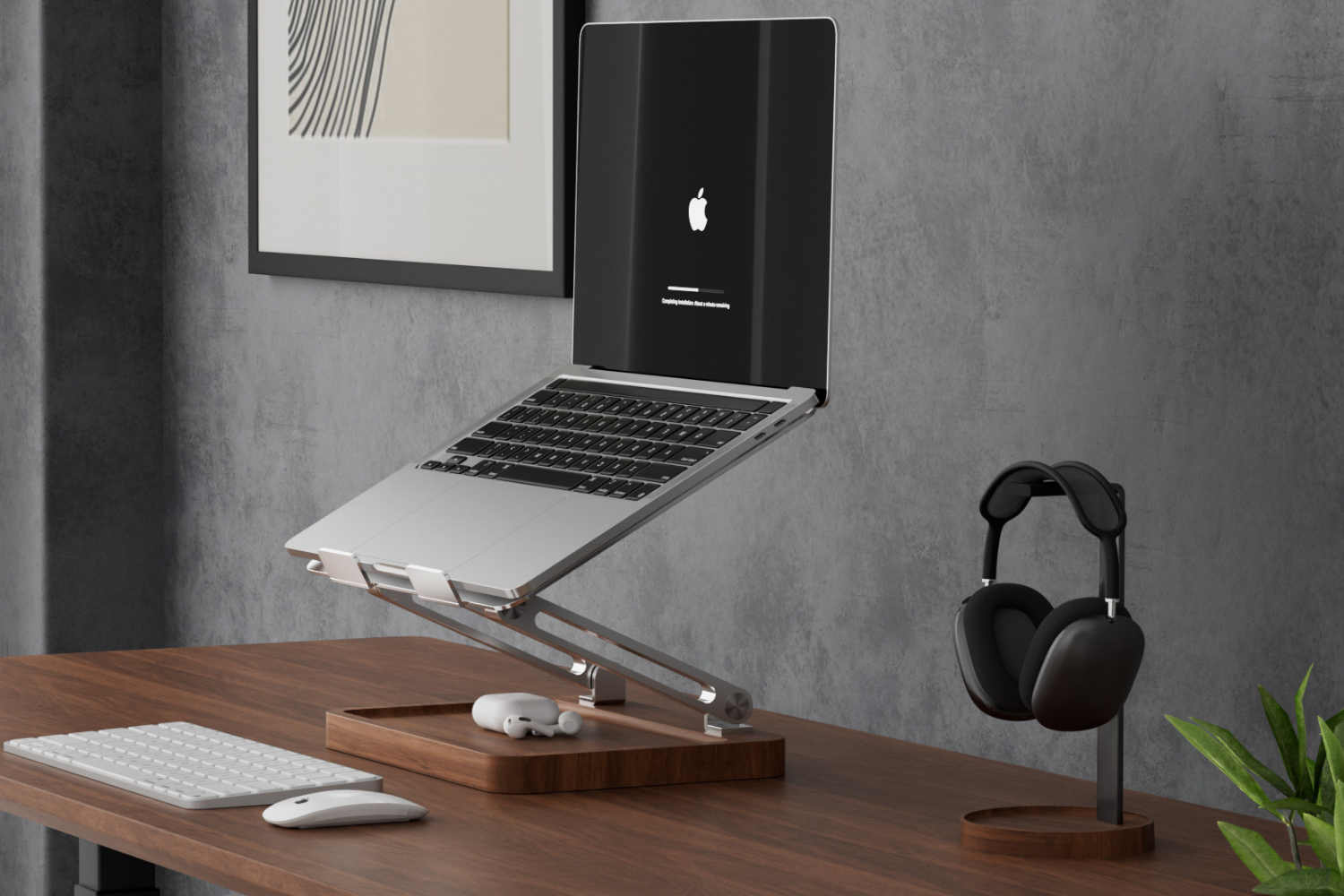
The Musowood Adjustable Laptop Stand has two-axis adjustment, a walnut wood base, and a sandblasted aluminum support. Its listed supported laptop weight is approximately 5 kg, or 11 lb.
Plan for the keyboard as well as the screen. Raising an open laptop also raises its built-in keyboard. For elevated positions or larger laptops, Musowood recommends an external keyboard and mouse. Leave room for those devices before deciding how much desk space the complete setup needs.

Measure the whole arrangement
A product photograph rarely shows every inch you need for daily use.
For a vertical stand, measure the base footprint and allow access to the laptop’s ports. Add room above the device for removal. Check where the connected cables will run so they do not pull across your writing area.
For a riser, consider the open laptop’s footprint at your intended angle, the space for your hands, and the position of an external keyboard. A support can be compact when folded but occupy more space with a laptop on it.
Compare those arrangements on your own desk. Two pieces of paper or removable tape can help you mark the approximate positions before buying.
Think through a normal workday
If you open the laptop several times an hour to use its camera or screen, a vertical stand will require repeated removal. A riser keeps those features available.
If you arrive, connect to a large monitor, and leave the laptop closed until you finish, upright storage may be the simpler routine.
If you alternate between both patterns, start with the one you use most. You can add a second support later if it serves a separate purpose. Buying both immediately is unnecessary when one fits your day.
Check the product details before choosing
For a vertical stand, check your closed laptop’s thickness with its case fitted, the adjustment range, and the protective lining. Set the opening for easy placement rather than trying to clamp the computer tightly.
For a riser, check the supported weight, platform shape, and adjustment method. Keep ventilation openings clear in either arrangement and follow your computer manufacturer’s guidance.
Browse the Musowood laptop stand collection with your normal screen arrangement in mind. Choose the support that makes placing, using, and taking away your laptop straightforward.

Leave a comment
This site is protected by hCaptcha and the hCaptcha Privacy Policy and Terms of Service apply.