

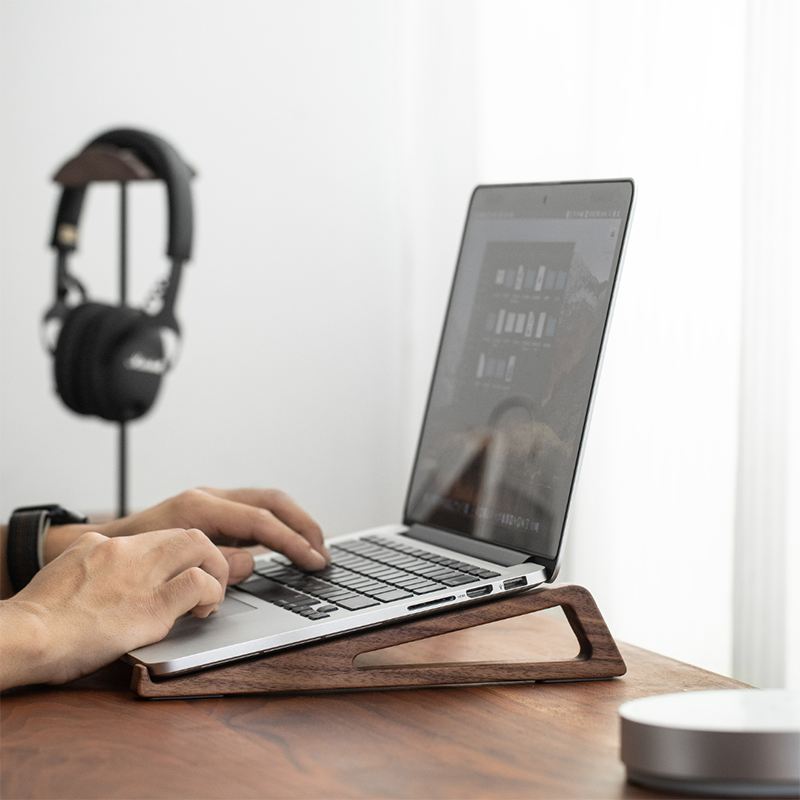
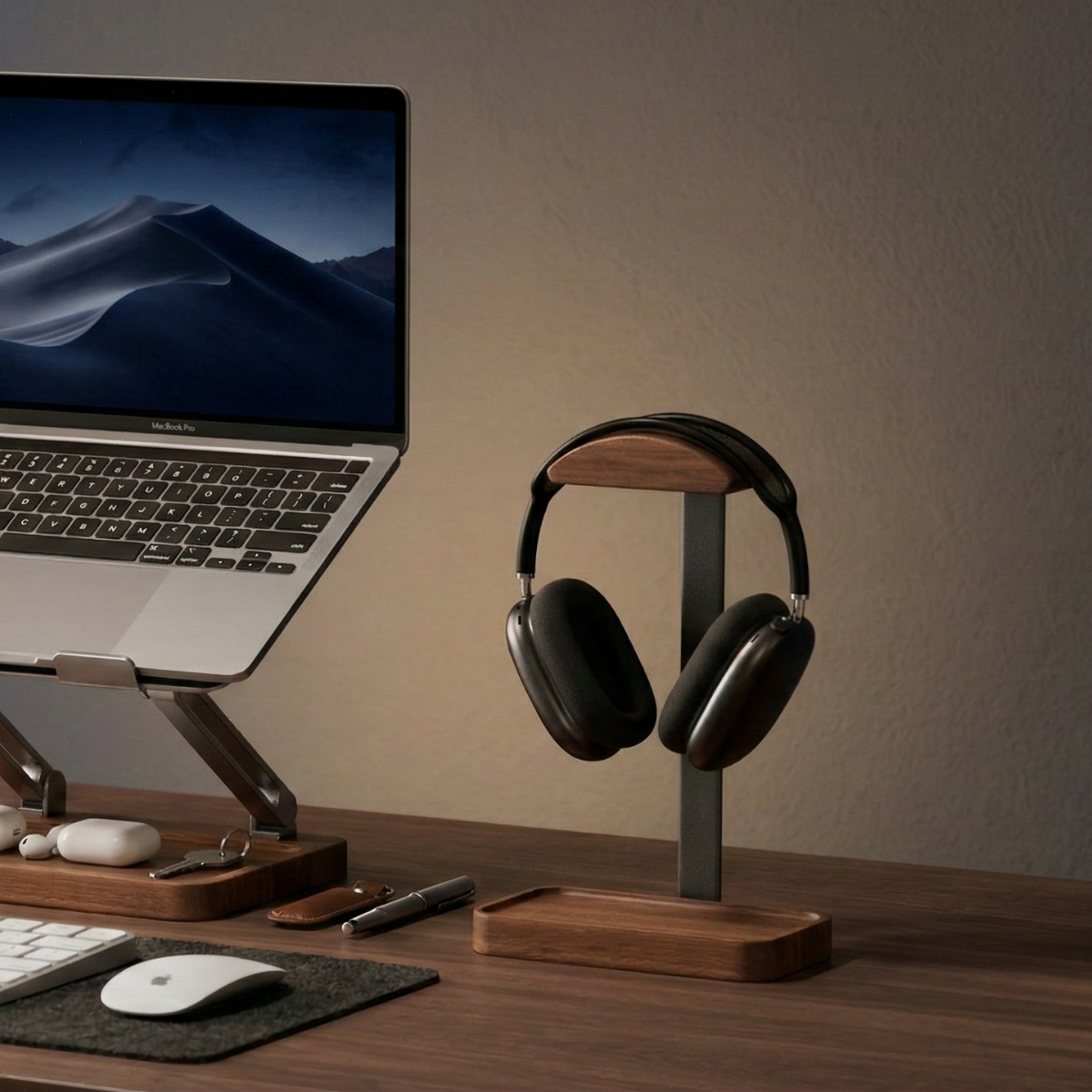
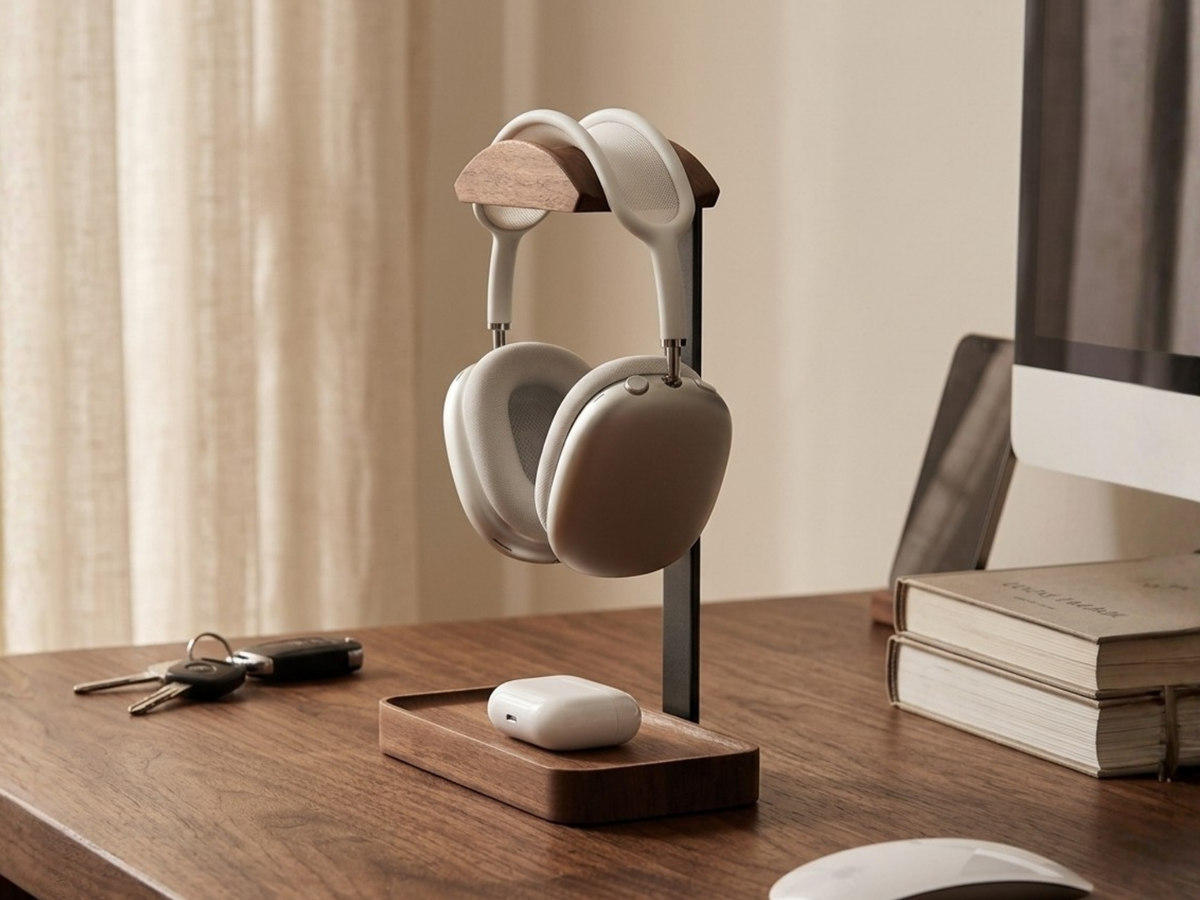
A headphone stand keeps your headphones on the desktop, where you can see and reach them. A desk hook moves them to the edge or underside of the desk, leaving the top surface available for other things.
The better choice depends on three practical details: the space you have, how the support contacts your headphones, and where your hand naturally reaches between listening sessions.
Compare the everyday differences
| What matters | Desktop headphone stand | Desk hook |
|---|---|---|
| Desktop space | Uses a base footprint | Usually keeps the top surface clear |
| Placement | Can be repositioned without remounting | Depends on a suitable desk edge or underside |
| Access | Visible and within reach on the desk | Can be less visible beneath the desk |
| Installation | Depends on the stand; some arrive assembled | May use a clamp, adhesive, or screws |
| Small-item storage | Some include a tray | Depends on the hook design |
A stand with a tray can give several small items a shared home. A hook can be the more practical choice when every part of the desktop is already in use.
Start with the available space
Put your keyboard, mouse, and notebook where you normally use them. The remaining surface is the space a headphone stand can occupy without interfering with work.
Think about the headphones as well as the base. Earcups may extend beyond the stand, and you need room to lift the headphones off without knocking into a monitor or lamp.
For a hook, check the space below or beside the desk. Look for drawers, cable trays, desk-frame parts, and the area your knees move through. On a height-adjustable desk, consider the hook and headphones at both your usual sitting and standing positions.
A location that looks tidy in a photograph may be inconvenient if you catch the headphones with your chair or have to reach around a drawer each time.
Match the support to the headband
Headbands vary in shape and construction. Some have a padded upper band; others use a suspension strap beneath a separate frame.
Check where the stand or hook will make contact. Look for a resting position that supports the headphones without forcing the band into an awkward shape. Follow the headphone manufacturer’s storage guidance, particularly for models with a suspension strap.
A broad support may suit one headband while a different shape suits another. Avoid assuming that every stand prevents dents or that every hook damages padding. The actual contact area and the headphone design matter.
Also check the hanging height. The earcups should have enough room to rest without being pushed against the desk, tray contents, or another object.

Decide whether a tray solves a real problem
A tray is useful when small items repeatedly collect around your headphones: an earbud case, a short cable, or the keys you set down when you arrive.
The Musowood Wooden Headphone Stand combines a dual-curve cradle with an integrated valet tray. It is offered in Walnut and Oak variants and arrives fully assembled.
Use the tray for a few items you actually reach for. Keeping it partly empty makes those objects easier to see and remove. If your headphones hang low, check that stored items do not press against the earcups.
If you already have a good place for those essentials, you may not need the additional tray. Let the way you use the desk decide.

Check the installation requirements
A freestanding design is convenient if you rearrange your workspace often or move between desks. It can be picked up and repositioned without finding another mounting point.
A clamp hook needs a compatible edge thickness and room for its clamp. An adhesive hook needs a suitable surface and installation according to its instructions. A screw-mounted hook requires a desk that can accept the mounting hardware.
Before choosing a hook, check the mounting method, supported load, and desk compatibility for that exact model. These details are particularly relevant when the desk is rented, shared, or has a delicate surface.
The Musowood headphone stand requires no assembly, so the main setup task is choosing a stable location with enough surrounding clearance.
Choose for the way you take breaks
If you remove and replace your headphones many times during a workday, prioritize an unobstructed reach. A desktop stand beside the monitor may be convenient, provided it leaves enough room for your other work.
If you use headphones occasionally and want a clear desktop, a well-positioned hook may fit better. Keep its location easy to remember so putting the headphones away becomes a simple habit.
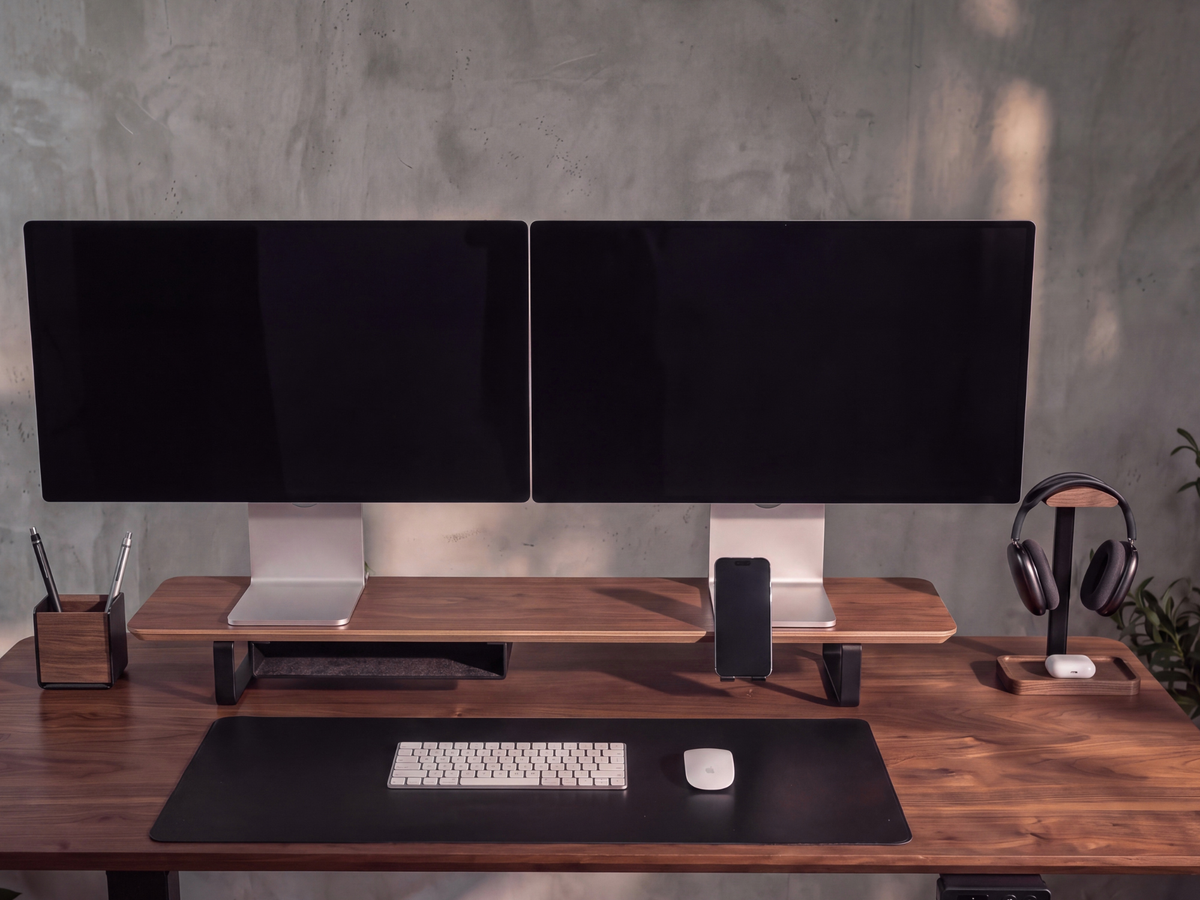
For a visible desktop home with a place for small essentials, explore the Musowood Wooden Headphone Stand with valet tray. Check the headband contact and earcup clearance against your own headphones before choosing.


Leave a comment
This site is protected by hCaptcha and the hCaptcha Privacy Policy and Terms of Service apply.