


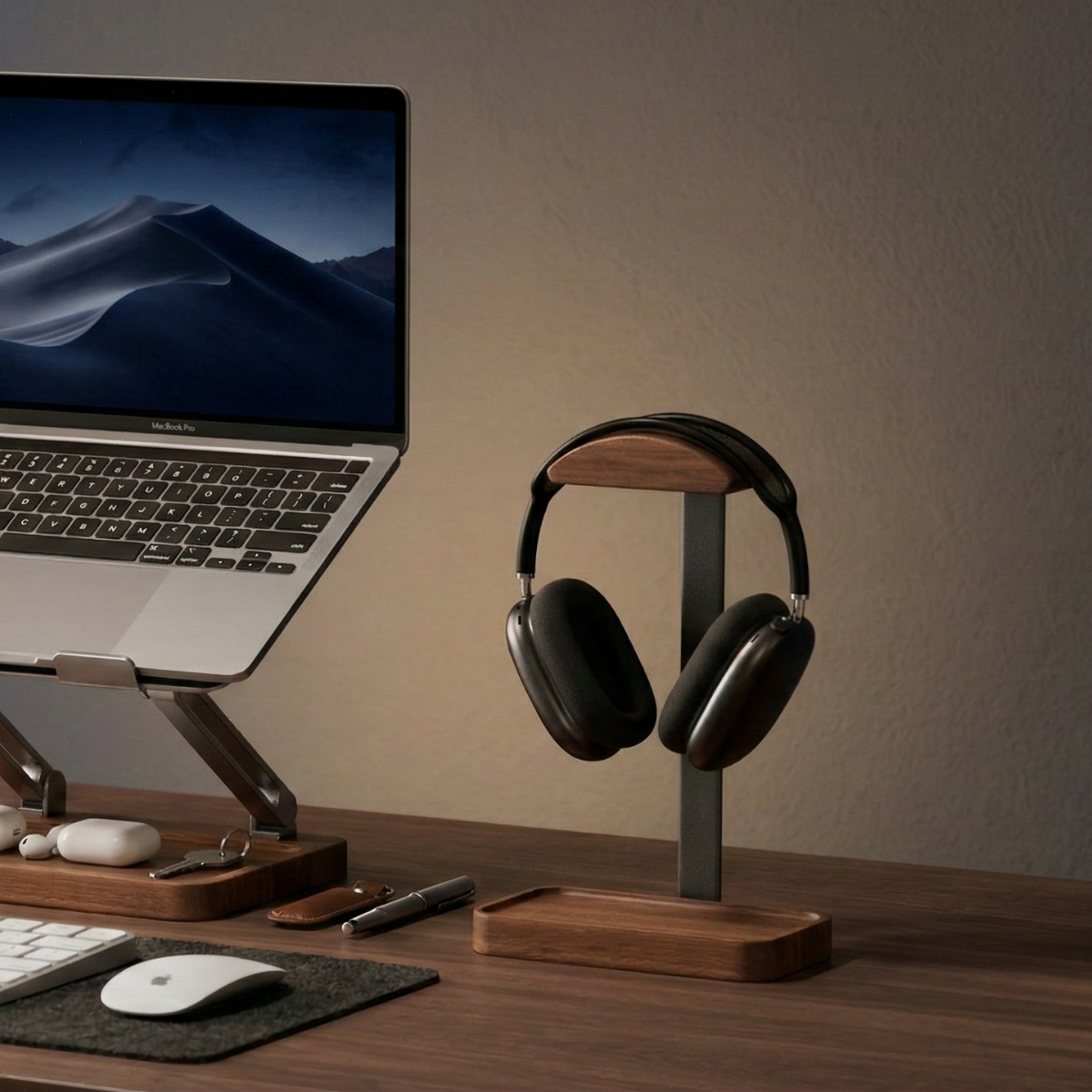
Choose a desk shelf when you want a raised surface and an organized layer for your everyday tools. Consider a monitor arm when moving the screen itself is your main priority. Before buying either, check what will support the display, where that support touches the desk, and how much usable space remains for your work.
A shelf and an arm can also serve different jobs in the same workspace. That does not make every shelf, arm, monitor, and desk a compatible combination. Start with the arrangement you need, then check each product's actual requirements.
Start with the thing you want to change
“I want a place for the monitor and small accessories.”
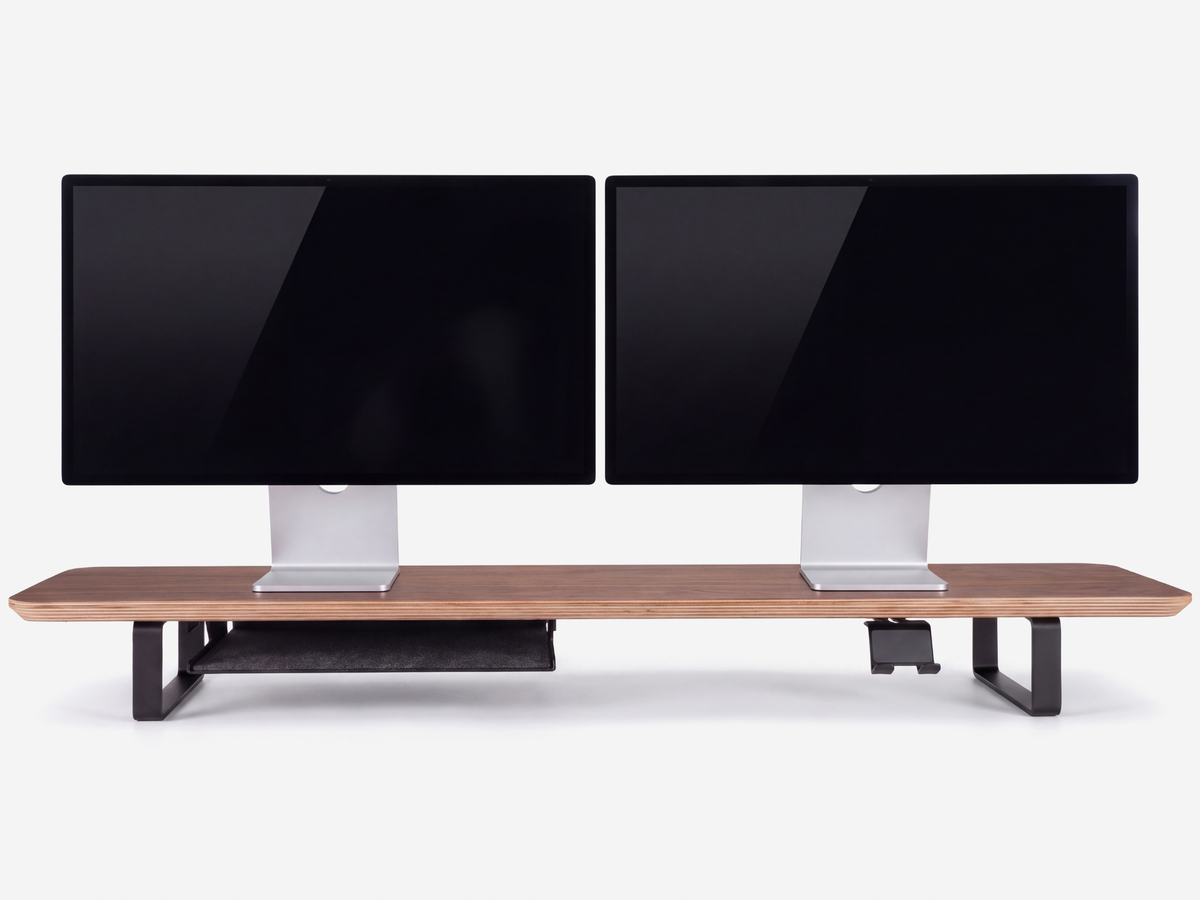
A desk shelf keeps a monitor on its original base and adds another level to the desk. Depending on the shelf's construction, the opening below can hold selected items, while a fitted tray may give smaller objects a separate place. The shelf still occupies part of the desktop, so check its legs, accessories, and usable openings as well as the overall dimensions.
“I want to change the screen position during the day.”
A monitor arm attaches the display to a mounting system instead of relying on its desktop base. The available height, reach, tilt, and rotation depend on the particular arm. If you regularly change the screen's position, compare that adjustment range with the positions you actually need.
“I only need to improve one part of an otherwise useful setup.”
First check the adjustment already available on your monitor's original stand. If it supports your intended position and leaves enough working space, you may not need another accessory. Choose an addition for a specific problem rather than assuming every desk needs both a shelf and an arm.
Compare the three kinds of fit
- Support fit: How will the display be supported? For a shelf, check the monitor base and the shelf's stated requirements. For an arm, check the monitor mounting interface, weight, and the arm manufacturer's compatibility information.
- Desk fit: Where will the shelf legs or arm attachment sit? Include the rear edge, desk frame, cable trays, walls, and other objects that may affect installation or movement.
- Working fit: After everything is installed, can you still place the keyboard, use the mouse, open a notebook, and reach the connections you use?
Write down an answer for each check before comparing finishes or choosing a product size. An option that looks compact in a photograph may use the exact area your keyboard or cable connector needs.
What to check for a desk shelf
Measure the monitor base rather than using the screen's diagonal size as a shortcut. For two monitors, consider the bases in the positions and angles you intend to use. Check the complete support area against the shelf surface, and follow the shelf and monitor manufacturers' requirements.
As a concrete size example, the Musowood monitor stand set has external dimensions of 115 × 23 × 11.5 cm (45.28 × 9.06 × 4.53 in). Those numbers describe the outside of the assembled stand. They do not give the clear opening between its legs or the storage space around the included fixed tray. Measure the available opening for anything you plan to put underneath.
The set includes a tray and a phone holder; screens and other display items are not included. The shelf surface is black walnut veneer over a marine plywood core, with aluminum alloy legs. Its size and construction do not establish compatibility with a particular monitor arm.
For the detailed base-layout check, use our guide to choosing a desk shelf for two monitors.
What to check for a monitor arm
Use the exact monitor model and arm model when checking compatibility. Review the monitor's mounting instructions and the arm's supported mounting interface, load range, and adjustment limits. A matching screen size alone does not answer all of those questions.
Check the desk attachment separately. A clamp and a mount fitted through a desk opening have different installation needs, and even clamps from the same manufacturer can require different clearances. The Ergotron LX attachment guide illustrates why the underside and rear edge of the desk matter. Use the instructions for the actual model you intend to install, rather than transferring its measurements to another arm.
Include the intended screen movement in your layout check. Allow room for the display, arm joints, and connected cables through the positions you will use. Do not assume an arm removes every obstruction or leaves all of the desktop available.
Can you use both?
A desk-mounted arm can position the screen while a separate shelf organizes the area below it, provided the desk, mount, and remaining clearances support the arrangement. Check the arm's attachment and movement without treating the shelf as a mounting surface. The Musowood shelf set is not specified here as a clamp base for a monitor arm.
Before buying a combined setup, mark the shelf footprint, arm attachment area, keyboard area, and cable route on paper. Compare the arrangement with and without the shelf. Keep the version that leaves the space you actually use accessible.
Our small desk planning guide includes a printable measurement worksheet. If a shelf suits your plan, compare the dimensions and included parts in the Desk Shelf System collection. If the main requirement is screen movement, resolve the monitor, arm, and desk compatibility checks first.


Leave a comment
This site is protected by hCaptcha and the hCaptcha Privacy Policy and Terms of Service apply.