


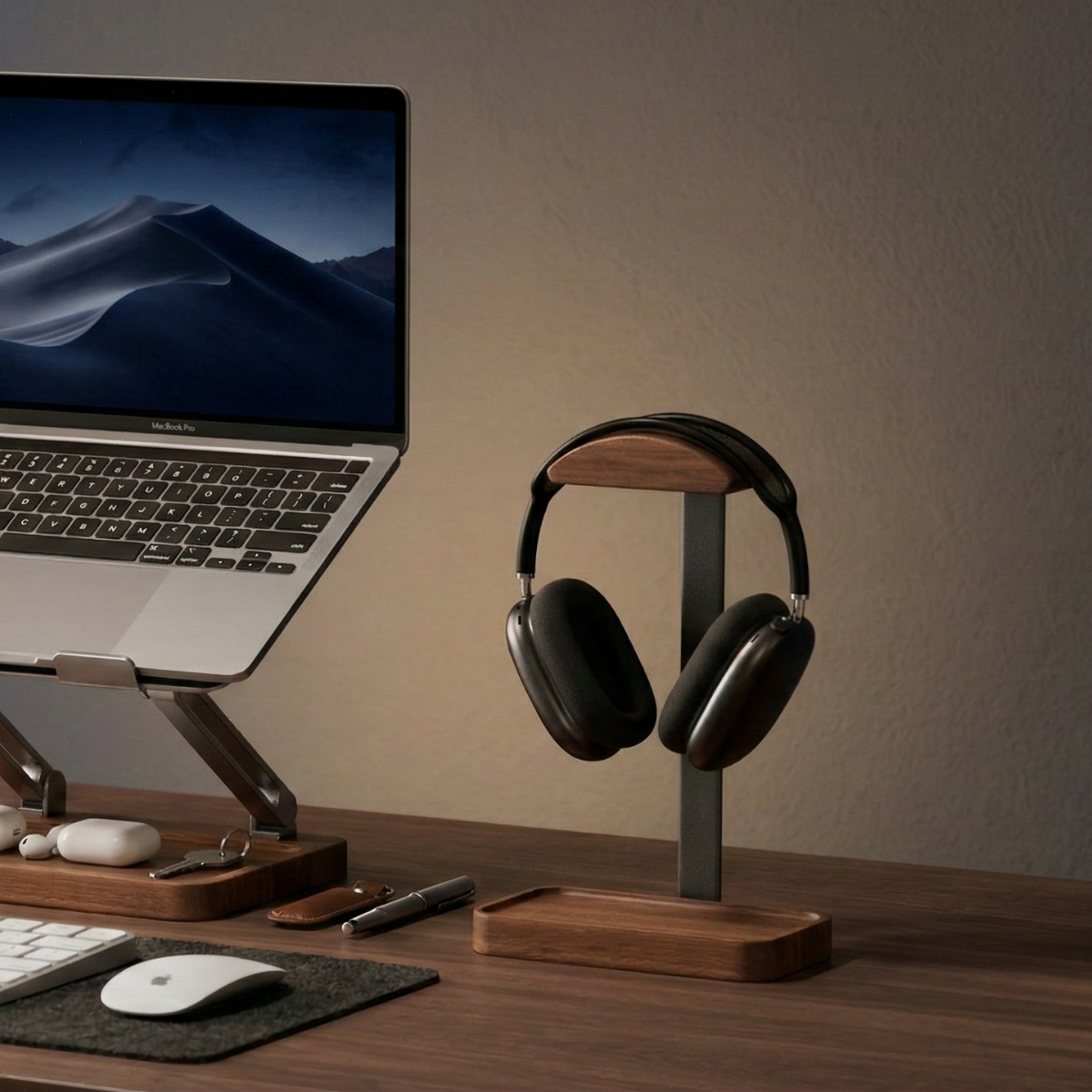
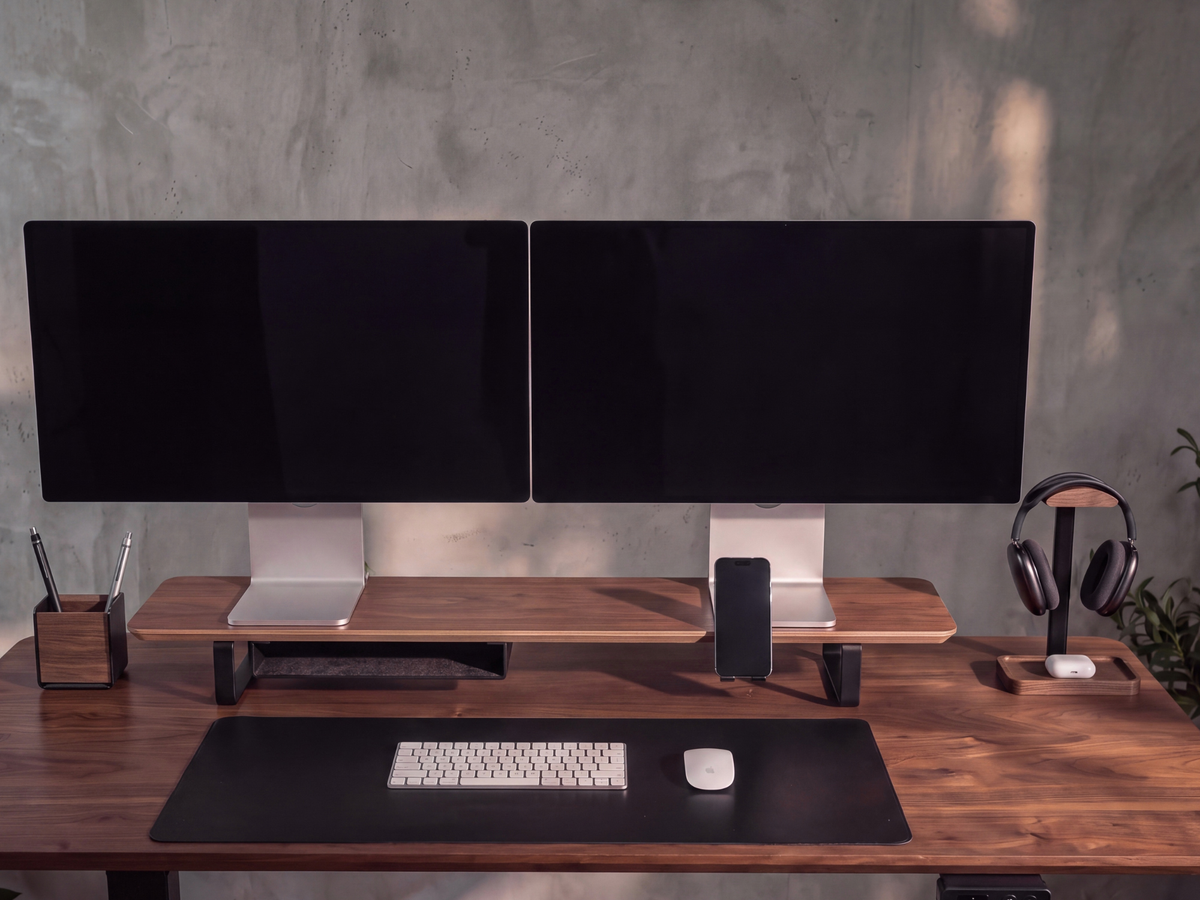
A desk shelf for two monitors needs to fit the monitors’ bases, sit properly on your desk, and place the screens at a usable height. The screen-size label alone cannot answer those questions.
Before choosing a shelf, measure both bases in the arrangement you intend to use. Then check the shelf’s depth, overall height, and the usable space beneath it. Those measurements will tell you more than a styled desk photograph.
Measure the monitor bases first
A 27-inch screen measurement is a diagonal measurement of the display. It does not describe the stand underneath it.
Two monitors with the same screen size may use a compact rectangular base, a deep circular base, or wide angled feet. Turning a monitor slightly toward you can change the space its base occupies.
Set the monitors in the approximate positions you want. Measure the full front-to-back depth and the combined left-to-right span of their bases, including the gap between them. Each base needs to sit fully on the supporting surface.
For example, the Musowood 115 cm Monitor Stand Set has a shelf surface measuring 115 × 23 cm, or 45.28 × 9.06 inches. It is intended for a dual-monitor arrangement, including two 27-inch monitors when their bases fit fully on that surface.
A base deeper than 23 cm will not fit fully front to back in a straight orientation. A wider shelf would not solve that particular depth problem.

Check the desk around the shelf
Measure the usable part of the desktop, taking account of a wall, cable outlets, a lamp, or anything else that limits placement.
A simple paper layout is helpful. Mark out the shelf footprint and put your keyboard, mouse, notebook, and other everyday items around it. Leave room to reach the monitor controls and connect cables behind the screens.
As a size example, a 115 cm shelf centered on a 120 cm desk leaves only 2.5 cm on each side. That calculation describes the remaining width; it does not confirm that the complete setup will work. Desk depth, leg placement, screen overhang, and cable access still matter.
Avoid selecting a shelf only because its width is slightly smaller than your desk.
Plan the resulting screen height
A shelf raises the existing monitor stand as well as the screen. If your monitor is already positioned high, adding a shelf may raise it farther than you want.
Check whether the monitor’s own stand can move lower. Sit in your normal working position and estimate where the screen will end up after adding the shelf. If the result is too high, consider a lower shelf or another mounting arrangement.
The Musowood set has an overall external height of 11.5 cm, or 4.53 inches. That number is not the clear storage height beneath the shelf. The shelf itself and any fitted accessories occupy some of the space.
A fixed desk shelf also does not provide the height adjustment of a standing-desk converter. Choose it for the arrangement it creates at your desk.
Confirm weight compatibility separately
A shelf’s physical dimensions do not establish its load capacity. Check the supported load for the particular product and compare it with the equipment you intend to place on it.
If a load rating is not listed, ask the seller to confirm suitability for your monitor models. Do not treat the shipping weight or the shelf’s own net weight as the amount it can support.
This is especially useful when the setup includes unusually heavy displays, speakers, or extra equipment beyond the two monitors.
Check how storage accessories affect the space
An empty shelf and a shelf fitted with storage will not offer the same clearance.
The Musowood 115 cm set includes a steel storage tray with fixed felt lining and a phone holder with silicone pads. The tray stays in place; it does not slide out like a drawer. Its external dimensions are 33 × 22 × 4.7 cm.
Plan where the tray sits before assuming a keyboard will slide underneath the entire shelf. Check the available width between the legs and the space left around installed accessories.
The included phone holder supports portrait or landscape placement and phones up to 12 mm thick, including the case. You can connect your charging cable while the phone rests there. Check that the cable and connector have room in the orientation you choose.
The complete set includes both accessories. The separately sold storage tray and phone holder have their own mounting requirements, so check those specifications before adding them to another riser.

Read the material and assembly details
“Walnut” can describe different constructions. The Musowood shelf uses real black walnut veneer over a marine plywood core, with aluminum alloy legs. Its surface has walnut grain, while the core is layered plywood.
Assembly is required for the legs and accessories, and the set includes the installation screws, screwdriver, and hex key. Allow time to assemble it and check the connections before placing your monitors.
When comparing desk shelves, keep your measurements beside the product specifications: monitor base span and depth, usable desk area, intended screen height, and required storage clearance. Then review the 115 cm Monitor Stand Set against that layout.


Leave a comment
This site is protected by hCaptcha and the hCaptcha Privacy Policy and Terms of Service apply.